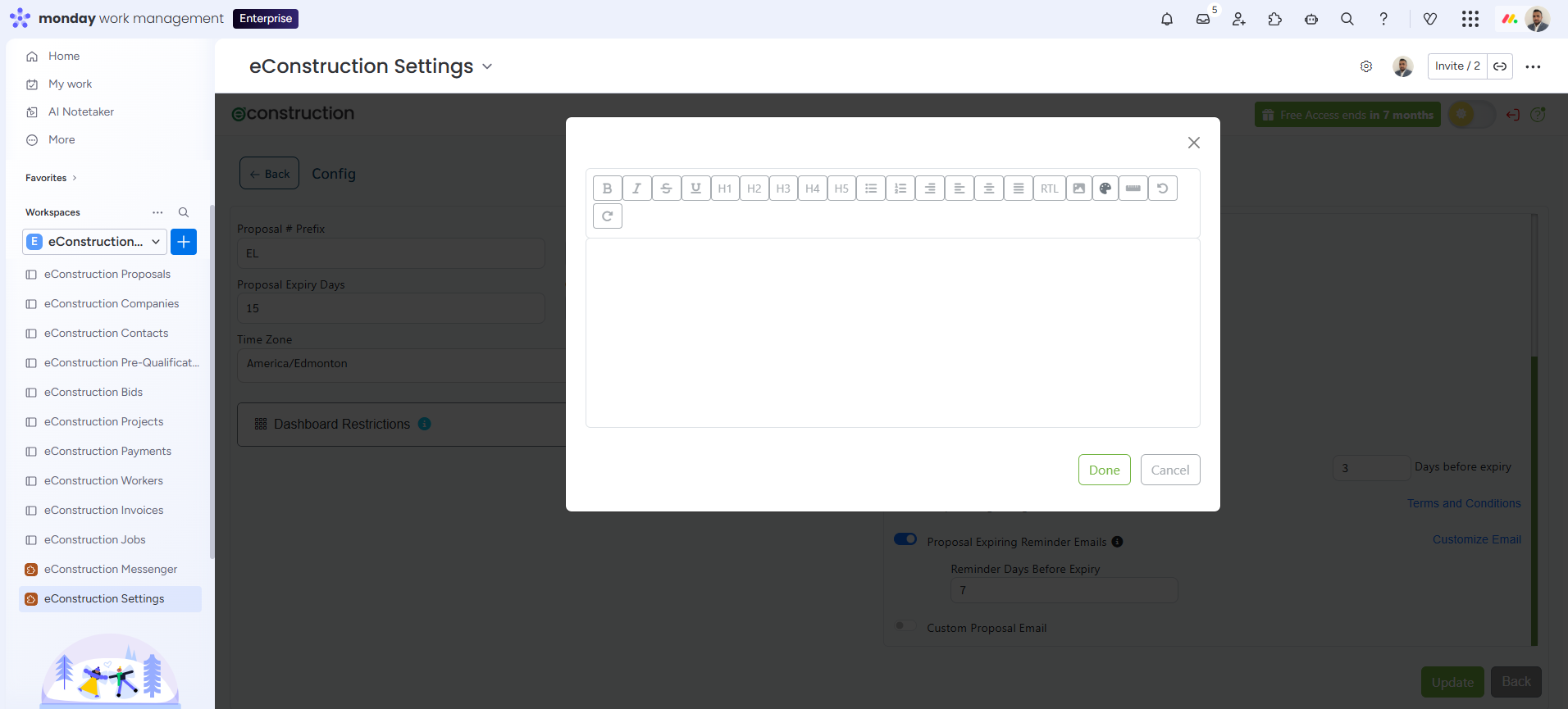
You can add specific Terms and Conditions that the client must agree to during the signature process.
Steps:
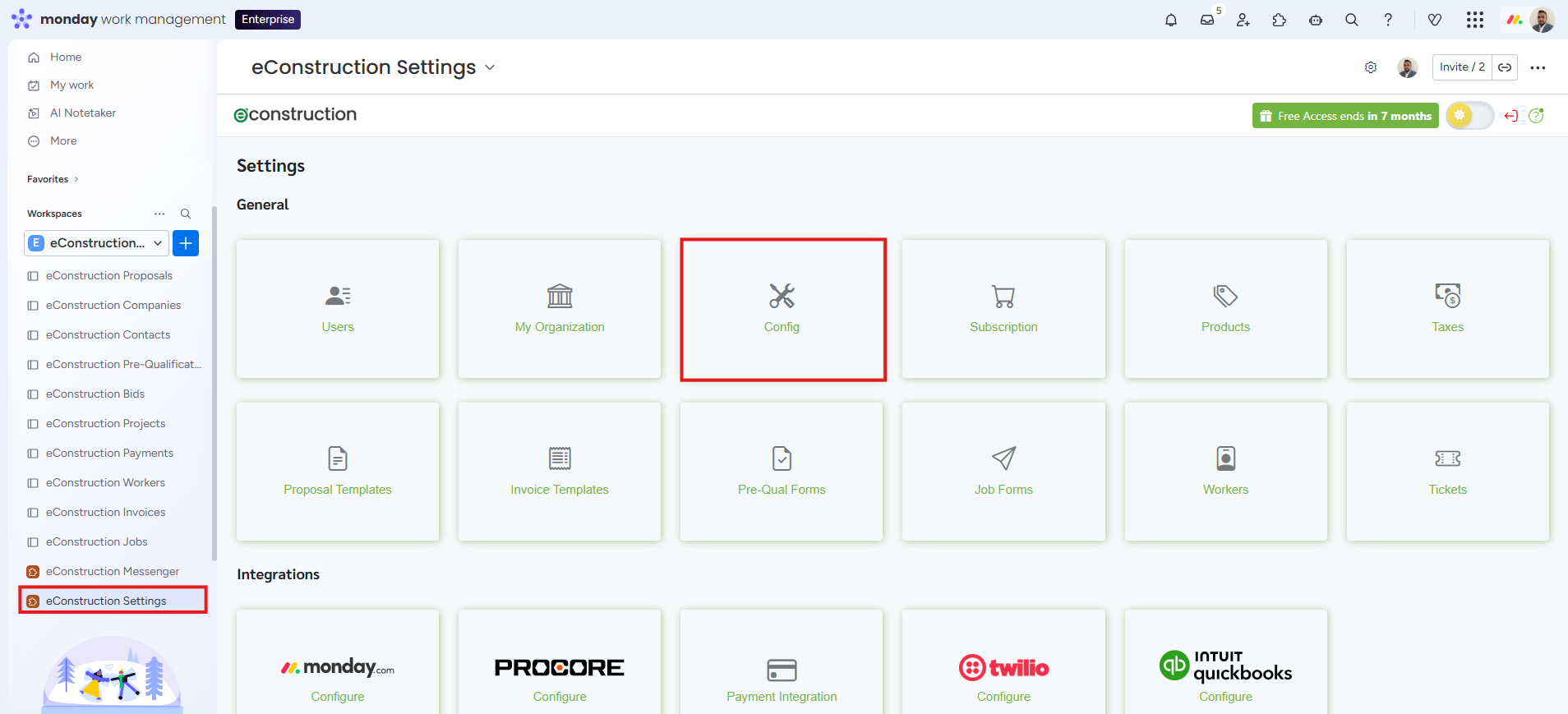
- Navigate to Settings > General > Config.
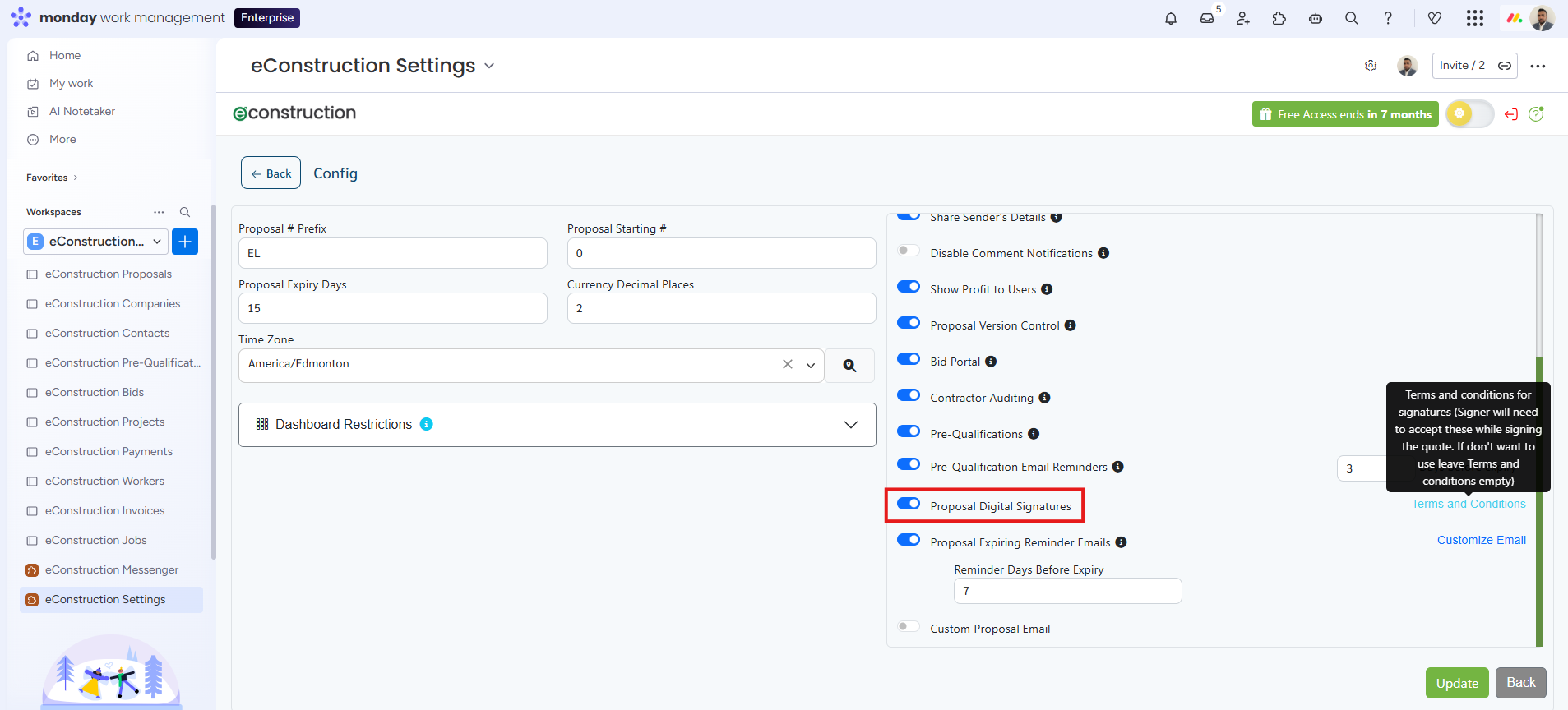
- Scroll down in the Features section on the right side of the screen.
- Toggle the Proposal Digital Signatures switch to the ON (blue) position.
- Once enabled, a Terms and Conditions button will appear next to the toggle. Click this button.
- In the pop-up window, enter or paste your company's legal terms and conditions text.
- Click Done to apply your changes.